Getting Started with the Aspire CLI
February 08, 2026 by Anuraj
Aspire
In this blog post, we will learn about Aspire CLI. The Aspire CLI is a powerful, cross-platform tool designed to streamline the development, management, and deployment of application systems.
First we can install the Aspire CLI using dotnet tool install --global Aspire.Cli command. And then we can run aspire --version command to verify the installation.
Once installation is successful, we can start using Aspire CLI using aspire new command.
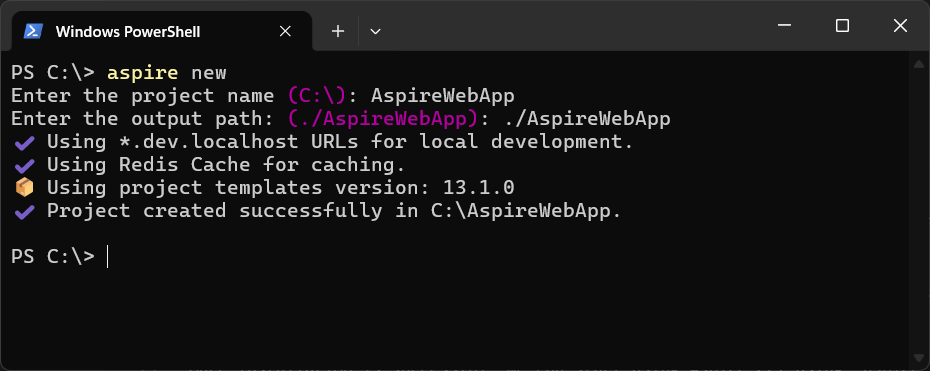
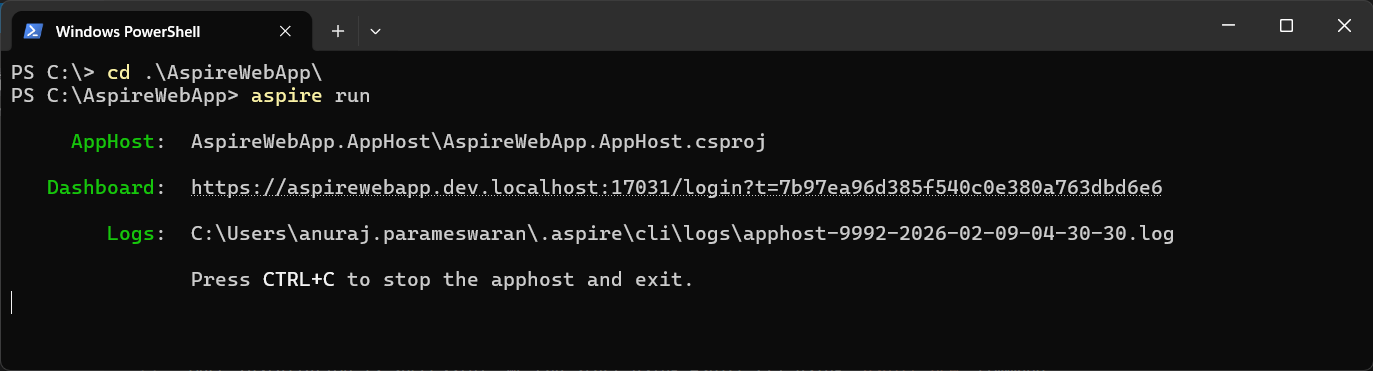
For this blog post, I am creating the React app with Redis Cache. And we can run the app using aspire run command. When we run the aspire run command, it will run the application and we can open the dashboard using the displayed URL.
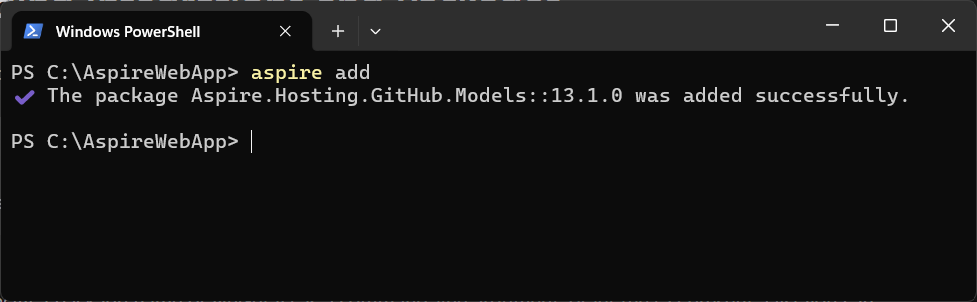
And we can add integration and packages using the aspire add command. This command will list various available components we can add.
And we can publish the Aspire application using aspire publish command. This command serializes the resources for deployment tools.
There a lot of other command options available as well. Explore the CLI and let me know which is the favorite feature.
Happy Programming.
If you find my content helpful, consider supporting my work. Your support helps me continue creating valuable resources for the community.

Found this useful? Share it with your network!
Copyright © 2026 Anuraj. Blog content licensed under the Creative Commons CC BY 2.5 | Unless otherwise stated or granted, code samples licensed under the MIT license. This is a personal blog. The opinions expressed here represent my own and not those of my employer. Powered by Jekyll. Hosted with ❤ by GitHub